Troubleshoot IS-0005 in Epic Games Launcher
What to do first
Compare Epic-only versus network-wide failure and record official status and stage. Restore permitted route trials and verify completed downloads separately from game launch.
This is a general troubleshooting guide, not an announcement of a current outage.
Affected products and symptoms
- Product
- Epic Games Launcher
- Versions and conditions
- Windows / macOS
- Error codes and identifiers
- IS-0005
Symptoms
- The operation fails with IS-0005.
- The same failure is reproducible in Epic Games Launcher.
Causes and conditions
The PC is not connected to the internet or the launcher connection route has a problem.
Before you start
- Exit the game and launcher normally; record the account, title, complete error, and occurrence time.
- Before changing local saves or settings, find the developer-documented save location and copy it to another folder.
Precautions
- Consider other users before restarting a shared router
- Do not change managed VPN or proxy without authorization
Step-by-step instructions
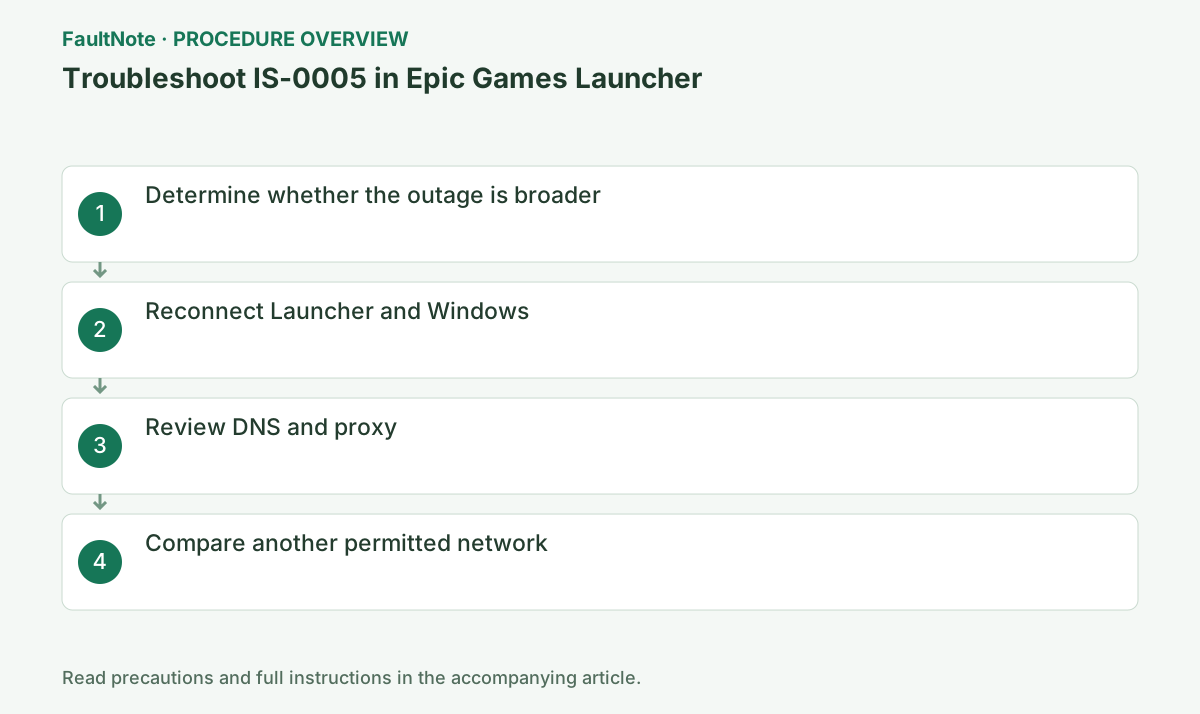
Start with internet connectivity for IS-0005. Record whether it occurs during sign-in, library access, download start or transfer and note time. Compare browser access and another device on the network. Separate Epic-only failure from network-wide failure before deleting game files.
Check official Epic status for the affected service and time. Retain an incident notice and wait where applicable. A normal service status does not establish your network route is healthy. This guide is not a current-outage notice; do not attribute an old or unrelated incident to this failure.
Save work and exit/restart Launcher normally. Resolve offline state, missing Wi-Fi or captive-portal authentication first. A shared-router restart affects others; compare your own device first. Consider network-device restart only for a broader failure when it can be coordinated.
In a personal Windows setup, inspect proxy settings and whether manual configuration is intentional. Do not change required organizational VPN, certificates or proxy. For a permitted VPN comparison, record the original state, test the same download once and restore it. Success does not authorize a permanent bypass.
Compare the same account, Launcher and game on another permitted network. Check tethering data/cost conditions before a large download. Success only elsewhere establishes a route difference, not which router/ISP/filter is at fault. If every route fails, retain device/account evidence for Epic support.
After IS-0005 clears, check transfer through completion, then launch. Save any new code; successful connectivity can leave file or prerequisite problems. Restore trial network settings and retest normal use. Do not change DNS and protection together and then claim a specific cause.
Provide OS, launcher version, code, stage, time, status and network comparison. Review logs for credentials or private paths before public sharing. Record recurrence on the same stage/route instead of deleting the game every time. Use Epic and administrator guidance for required access on managed networks.
Check the result
- The target operation completes without the original error
- The original game launch or update completes with normal privileges and connectivity
- Saved data and required functions show no new faults
If the problem continues
- Give Epic or the administrator time, failure stage, official status and network comparison. Do not delete the game first.
Scope of this guide
Troubleshooting guide — A general diagnostic guide based on official support. It does not claim a current incident or a version-specific fix.
Frequently asked questions
Does browser access rule out connection problems?
Routes and permissions differ. Compare Epic-only failure with VPN, proxy and official status.
Should I immediately restart the router?
Compare device state and another device first because shared use is affected. Consider restart for coordinated network-wide diagnosis.
Does success on another network prove ISP failure?
It establishes a route difference, with router/filter and other candidates remaining. Report conditions and time.
Does restored connectivity prove game files are healthy?
Verify completion and launch separately. Follow any new file error through its own procedure.
Official sources and dates
Source publication or resolution date: Not specified. Sources checked: 2026-10-13. The check date is not the date the problem first occurred. Interface labels can vary between versions and display languages.