Troubleshoot 174 in AMD Software: Adrenalin Edition
What to do first
Record 174, verify the affected product and environment, correct the confirmed prerequisite, and retry once under the same conditions.
This is a general troubleshooting guide, not an announcement of a current outage.
Affected products and symptoms
- Product
- AMD Software: Adrenalin Edition
- Versions and conditions
- Windows 10 / 11, AMD Graphicsconfiguration
- Error codes and identifiers
- 174
Symptoms
- The operation fails with 174.
- The same failure is reproducible in AMD Software: Adrenalin Edition.
Causes and conditions
The official article identifies a product, compatibility, storage, update, network, file, or configuration condition that must be resolved before retrying.
Before you start
- Close applications and record the exact PC or GPU model, Windows build, current driver version, and complete error.
- For a laptop or branded PC, check its model support page and obtain a recovery OEM driver before making changes.
Precautions
- Use signed GPU or PC-maker packages, not unofficial drivers, individual DLL downloads, or registry tools.
- Do not open a laptop or bulk-remove a healthy multi-GPU configuration that includes integrated graphics.
Tools and official pages used in this guide
Official page for this step. Confirm the exact product, operating system, and version requirement before continuing.
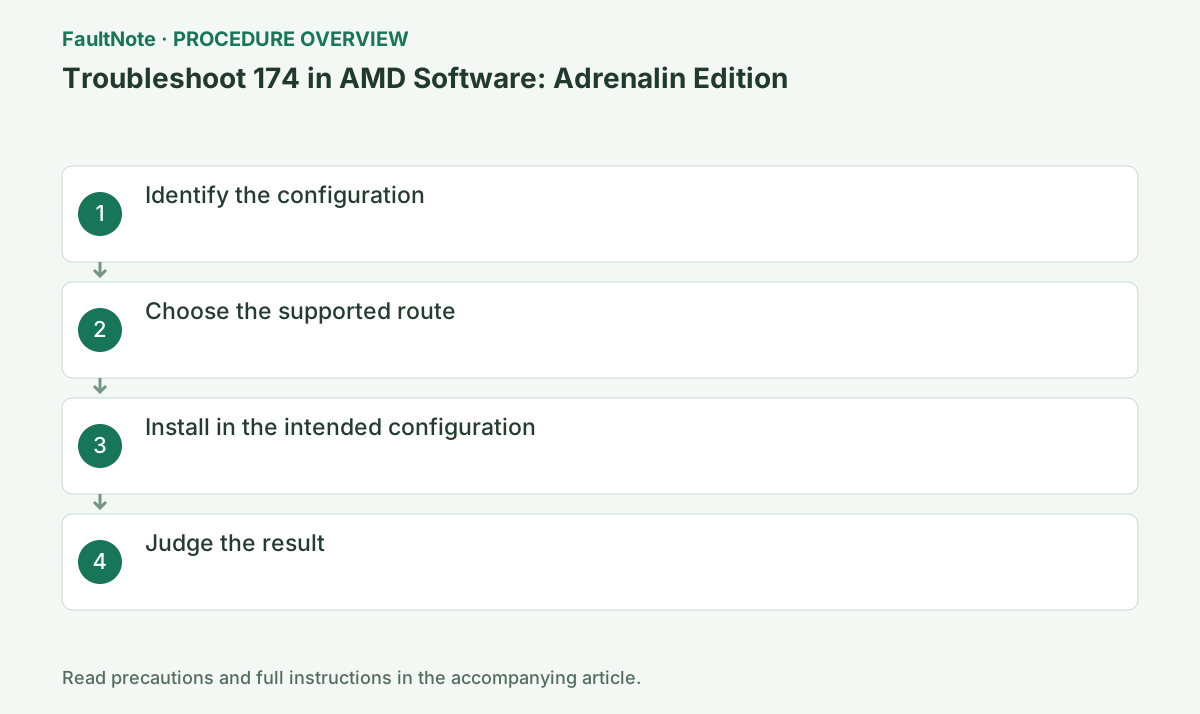
Step-by-step instructions
Record the PC model and every integrated, discrete, or external GPU shown in Device Manager.
Record the complete code, AMD Software version, and GPU name from the same session. If the code changes, stop using this guide and move to the official article for the new code.
Record integrated and add-in GPU models and compare each with the official legacy list. A newer GPU does not remove the need to check the other adapter in the configuration. Do not infer architecture from a broad series name.
Read the generation requirement in AMD KB174 in the context of that article and package. Also check the supported products for the actual version you plan to install instead of applying that rule to every current driver.
For laptops, all-in-ones, and switchable graphics, check the PC maker's model-specific driver first; otherwise match the AMD product family and Windows version.
On an OEM PC, check the model support page before choosing AMD's generic package. Switchable graphics, integrated GPUs, and handhelds may require an OEM build, so preserve the current version and recovery package.
Official links for this step
- AMD error 174 guidance
Official page for this step. Confirm the exact product, operating system, and version requirement before continuing.
Check before continuingThe official page or signed package for AMD error 174 guidance opens and its product/version conditions match this device.
- AMD error 174 guidance
Record both GPU models and versions, each monitor connection and required applications. A new add-in GPU with old integrated graphics and displays on both may need more than a package supporting the newer GPU. This is a comparison example, not a claim that a specific combination always produces 174.
Even with all monitors on the add-in GPU, check whether Windows detects integrated graphics. Follow OEM switchable-graphics and installation-order guidance. If disabling one adapter clears 174 but removes required output or application features, that is not a complete resolution. Report the original setup accurately.
Reconnect docks or eGPUs in the maker's specified order and update required firmware. Run the selected package only when Windows shows each GPU normally.
Close games, recording, GPU monitoring, and other installers. Wait for completion or a specific new code; temporary display flicker can occur, so do not power off during setup.
Success means 174 is gone and both GPUs remain warning-free after restart. Do not force a package onto an unsupported mixed configuration.
After restart, open Device Manager > Display adapters > target GPU > Properties > Driver and verify provider/version. If it is not the intended state, preserve Install.log instead of repeatedly rerunning setup.
Check before continuingDecision: Success means 174 is gone and both GPUs remain warning-free after restart. Do not force a package onto an unsupported mixed configuration. After restart, open Device Manager > Display adapters > target GPU > Properties > Driver and verify provider/version. If it is not the intended state, preserve Install.log instead of repeatedly rerunning setup.
For an official legacy package, confirm Windows support and whether it is WHQL or beta. Installation success does not establish compatibility with the newest game; compare the application requirements separately.
Preserve the working display configuration and recovery package before changing it. Check display connections and OEM requirements before deciding whether to disable an older GPU.
Check before continuingFor an official legacy package, confirm Windows support and whether it is WHQL or beta. Installation success does not establish compatibility with the newest game; compare the application requirements separately.
Check legacy and newer packages against their respective products and OS. Installing both consecutively does not establish coexistence merely because both are AMD. Save each adapter state and obtain supported combination guidance from the OEM or AMD. Evaluate preservation of outputs and applications as well as error removal.
After installation and restart, record both GPU names, warnings and versions separately. If resolution or external output changes, retest the original connection and restore saved supported packages as needed. If no supported combination exists, evaluate preserving the old setup or changing the environment separately. Do not force a new driver onto an unsupported GPU.
Check the result
- 174 no longer appears and the operation completes.
- The selected version and settings remain after restart.
- A second test shows no new display, input, save, or synchronization problem.
If the problem continues
- Restore reversible settings from the notes and escalate without deleting user data.
- Prefer the PC maker or administrator procedure for OEM drivers and managed networks.
- Protect account names, tokens, and save contents before sharing logs.
Scope of this guide
Troubleshooting guide — A general diagnostic guide based on official support. It does not claim a current incident or a version-specific fix.
Frequently asked questions
How do errors 174 and 175 differ?
174 concerns an unsupported system graphics configuration; 175 means the selected package does not support the detected GPU.
Can I retry with the eGPU disconnected?
Yes for isolation, but verify the final result with the intended configuration and connection order.
Can I ignore old integrated graphics when a newer GPU is installed?
No. Check both models, connected displays and package support. Disabling integrated graphics can remove a display you are using.
Will installing an old package followed by a new one support mixed GPUs?
Not universally. Check products, OS, OEM order and outputs. If the supported combination is unclear, send a configuration table to support before installation.
Official sources and dates
Source publication or resolution date: Not specified. Sources checked: 2026-10-13. The check date is not the date the problem first occurred. Interface labels can vary between versions and display languages.
Related troubleshooting guides
AMD Radeon / Adrenalin errors and troubleshooting →
- Smart Access Memory becomes disabled after installing Adrenalin 26.8.1
- Clean and reinstall the graphics driver with AMD Cleanup Utility
- Troubleshoot 173 in AMD Software: Adrenalin Edition
- Troubleshoot 175 in AMD Software: Adrenalin Edition